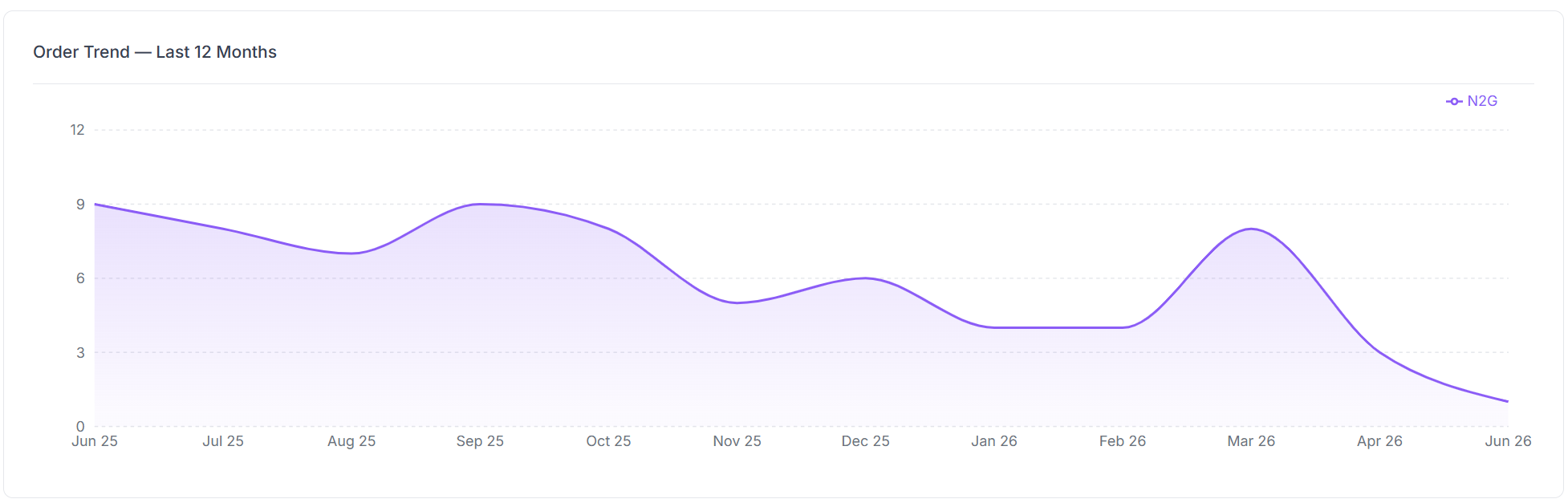
Vego Inventory automatically generates an Order Frequency report for each location. This allows you to track how often each location places purchase orders, organized by vendor. This data helps establish order trends for each location, helping to identify key patterns, and specific time periods where stock may be purchased at a higher rate.
To view the Order Frequency Report:
-
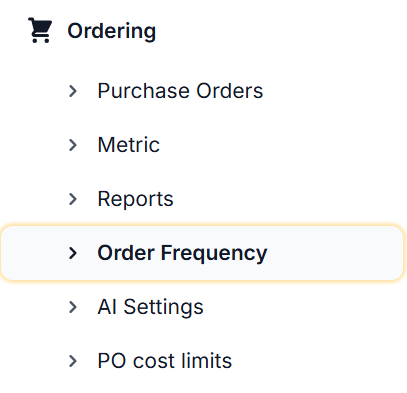
Select the Ordering tab, then select Order Frequency
-
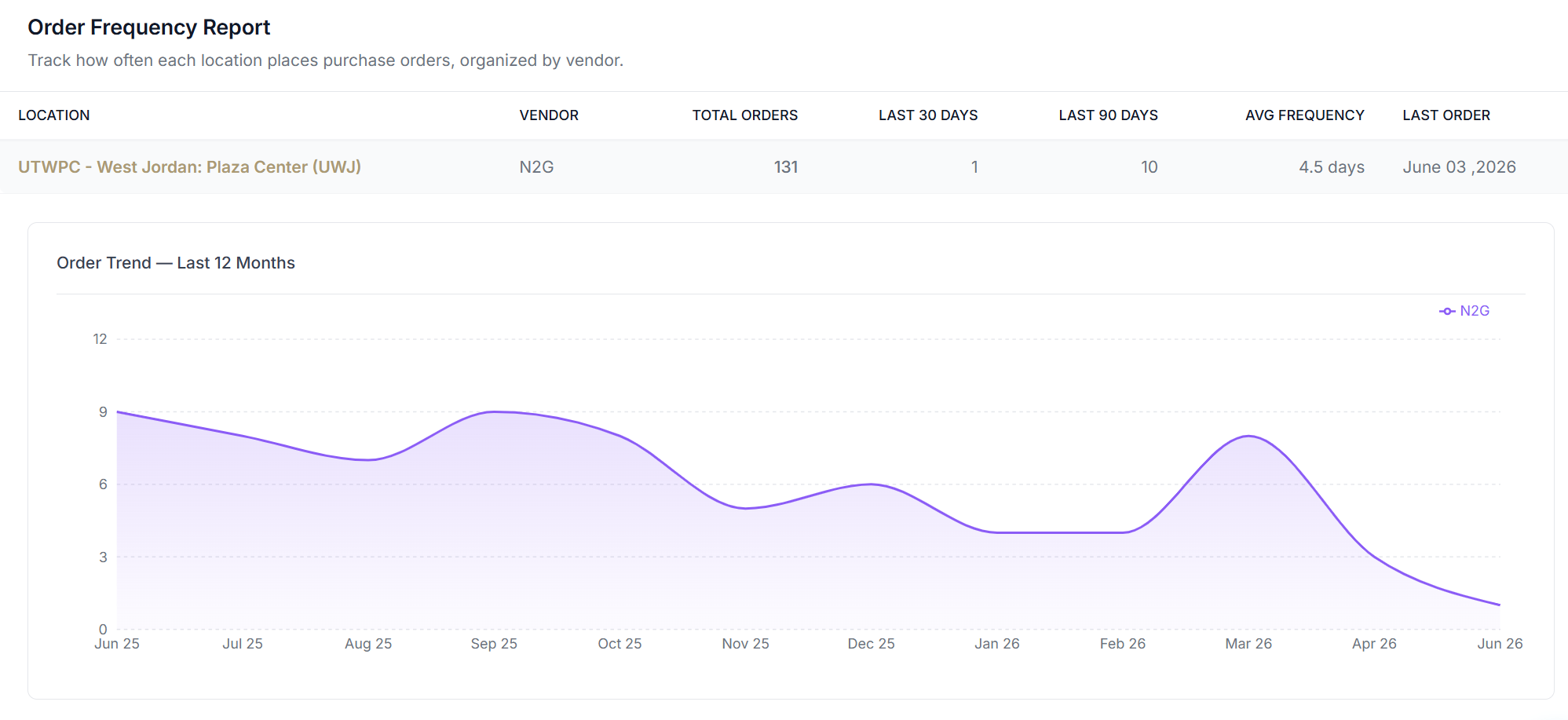
A page similar to the one below will display for the location
-
The following is a breakdown each column on the Order Frequency report
|
Information |
Description |
|---|---|
|
Location |
Location that the report is generated for |
|
Vendor |
Each vendor that is assigned to the organization |
|
Total Orders |
Total number of all purchase orders placed for each vendor |
|
Last 30 Days |
Total number of all purchase orders placed in the last 30-days for each vendor |
|
Last 90 Days |
Total number of all purchase orders placed in the last 90-days for each vendor |
|
AVG Frequency |
Average frequency of how often an order is placed for each vendor. |
|
Last Order |
Date that the most recent purchase order was placed for each vendor |
-
A graph depicting the order trend over the last 12-months is also displayed for the Order Frequency Report