
Explore the following topics about First Time Setup:
Before you can begin using Vego Inventory, you will need to:
-
Create Account
-
Define Base User Account Information
-
Inform Admin (Retail Manager) of newly created account
Creating an Account
-
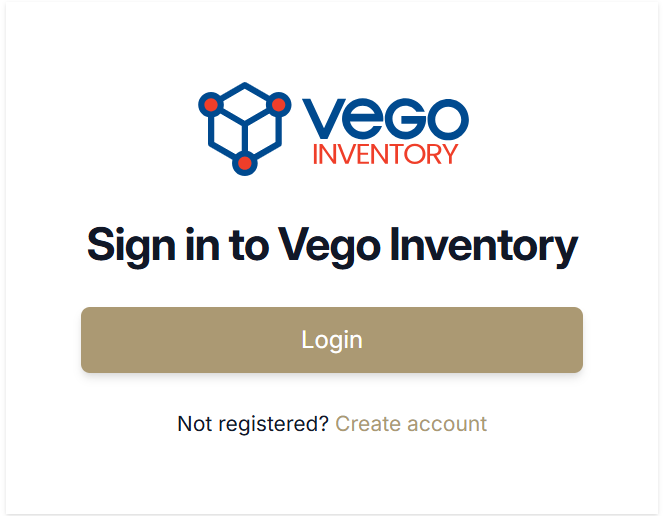
Click the Create account text under the Login button
-
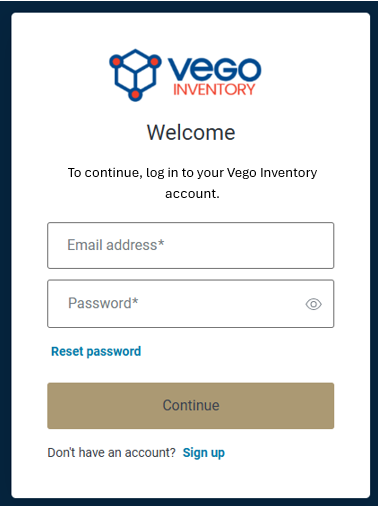
On the login page that displays, select Sign up
-
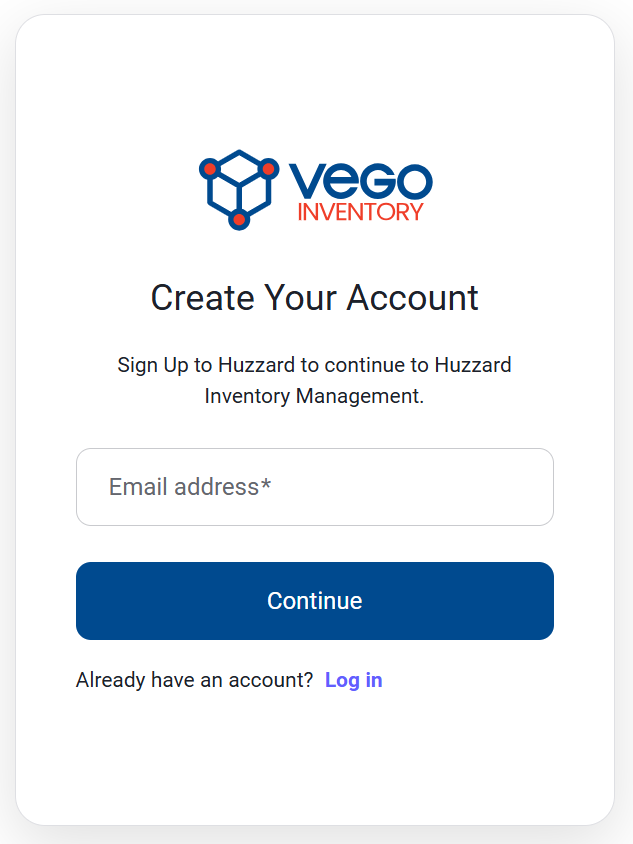
In the Sign-Up form that displays, enter a valid email address and select continue
-
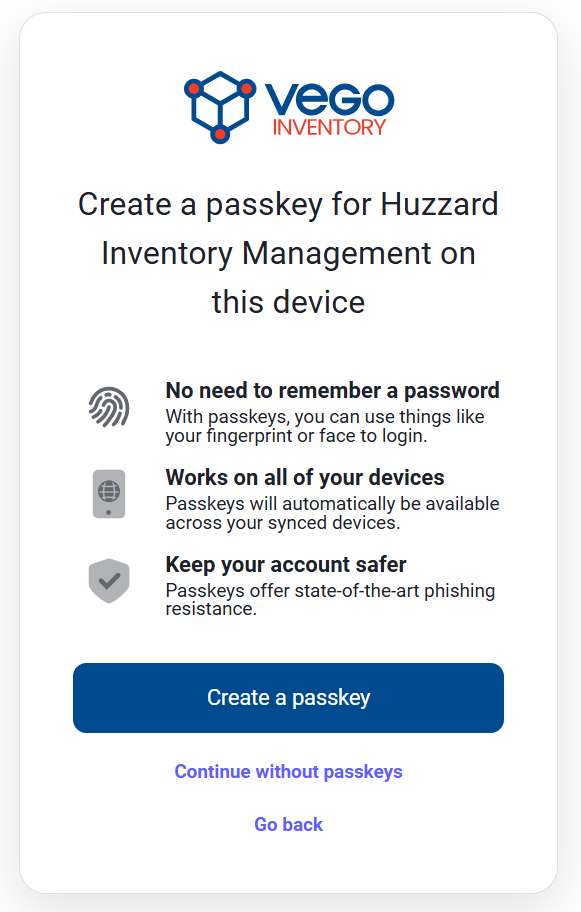
You will be prompted to choose whether to create a passkey for Vego Inventory Management
-
Selecting Create a Passkey will continue with creating a passkey to log in with
-
Selecting Continue without a passkey will prompt you to create a password for the account
-
-
When complete, select the Continue button
-
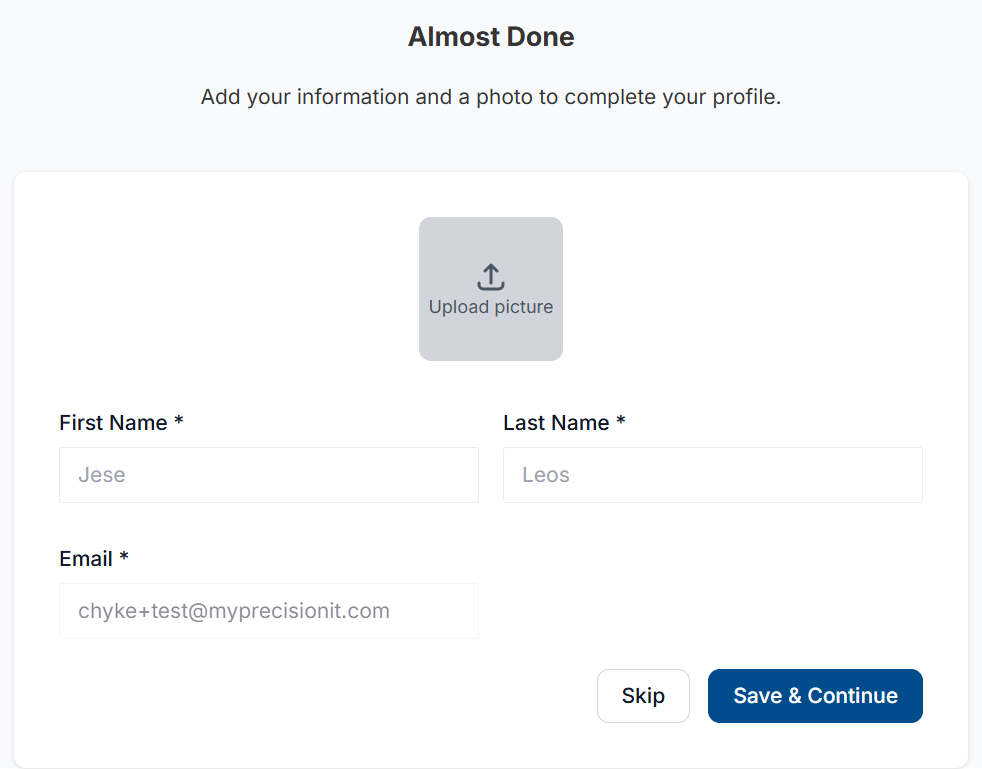
Once you have created your account, you will be asked to supply basic information
-
-
Enter your First Name, Last Name, and optionally a profile picture for your account
-
Once entered, click the Save & Continue button in the bottom right
-
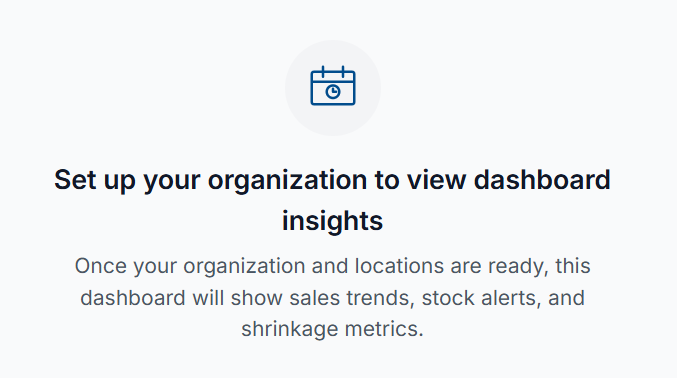
Once completed, you will be brought to Vego Inventory, but your account will not yet be tied to an organization
-
To finalize the setup of your user account, contact your Retail Manager Admin to assign your user account proper permissions
-
For future logins, refer to How to Log in to Vego Inventory
Understanding UPCs
A UPC is a Universal Product Code. A UPC consists of a number and a barcode that uniquely identifies a product for sale. UPC codes are on nearly every product, and they are what get scanned at grocery stores when checking out.
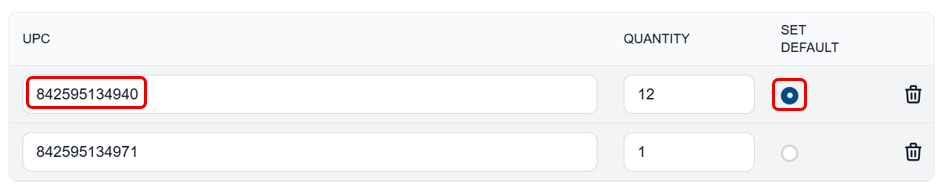
One Item can have many UPC values. Because of this, Vego Inventory asks the user to denote one as the Default UPC. The Default UPC is what will appear when creating a purchase order, as seen below
Bulk UPC vs Individual UPC
Bulk UPC is a UPC code that can be found on the outside of cases of product.
Individual UPC is a UPC code that can be found on the outside of individual units of a product.
Example: A case of bottled water is received. The Bulk UPC can be found on the outside of the case. Individual UPC codes can be found on the individual water bottles