
Within Vego Inventory, Locations represent individual stores or clubs. Locations can be grouped together using Regions
Explore the following topics about Admin > Location features:
Access Location Settings
-
Navigate to the bottom left-hand corner of Vego Inventory, and select Settings
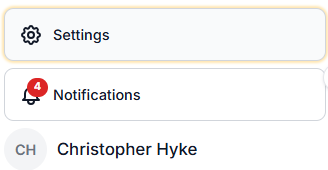
-
Navigate to the left-hand side of the screen, and select Location
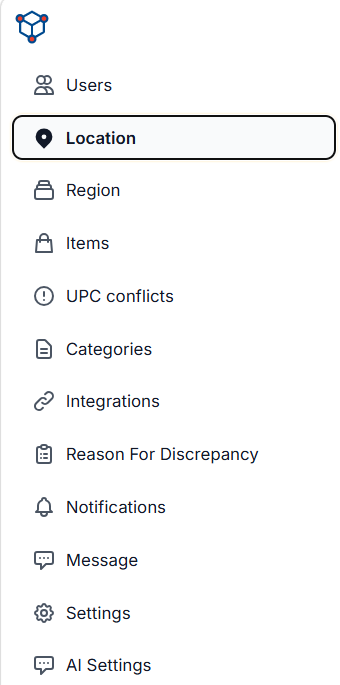
-
Once here, you will see all locations that are in your organization.
Add Location(s)
-
Access Location Settings. View Instructions Here
-
In the upper right hand corner of the menu, click on the “Add Location” button
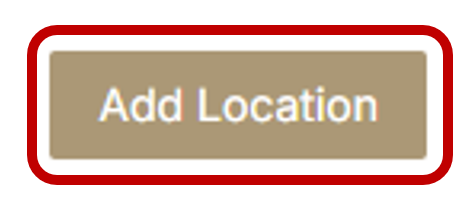
-
A blank menu will appear. Once you have put the correct information into the menu, click “Save”
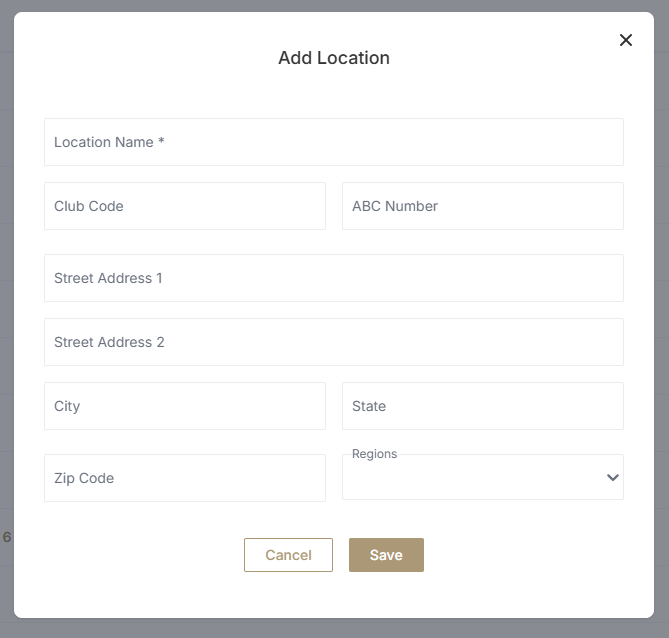
-
You have now successfully added a new Location.
Edit Location(s)
-
Access Location Settings. View Instructions Here
-
To edit a Location, find the Location you would like to edit, and navigate to the right hand side of the menu. Click on the pencil icon

-
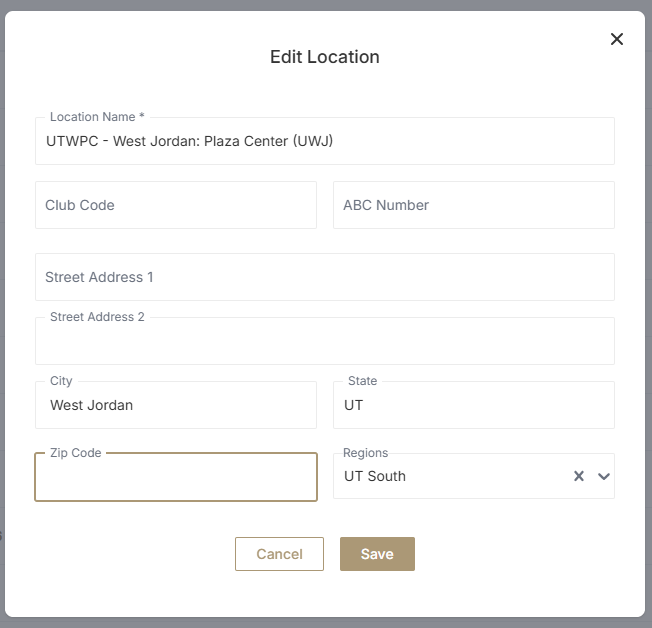
A pop up menu will appear then make your preferred changes
-
Click “Save”
-
You have now successfully edited a Location.
Activate and Deactivate Location(s)
Activating and Deactivating a Location will alter your Vego Inventory dashboard. Active Locations will appear in the dashboard, while inactive Locations will not. This simple yet effective feature erases clutter from the dashboard and allows you to focus on what is important.
-
Access Location Settings. View Instructions Here
-
To activate a Location, find the Location you would like to activate, and navigate to the right hand side of the menu. Click on the button with two arrows going around in a circle

-
To deactivate a Location, find the Location you would like to deactivate, and navigate to the right hand side of the menu. Click on the button with a circle that has a line through it

Does your organization have a lot of Locations? Use the search bar in the top left corner of the menu to find the correct locations quicker.