
Unrecognized Barcodes
If a barcode is scanned that is unrecognized, Vego Inventory will tell you that the barcode is unrecognized, and you will be given the options of searching for the item or going back to the scanner. Selecting “Back to Scanner” will bring you to the previous screen, and forget about the most recent scan
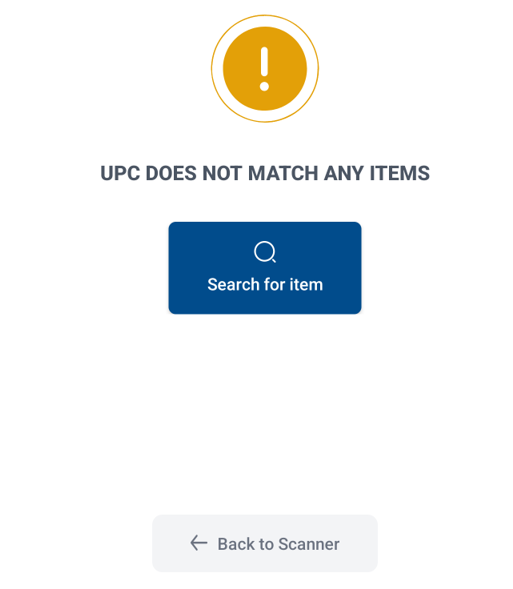
“Search for Item” allows you to assign the barcode you just scanned to an already existing item in your inventory. This feature is needed because manufacturers periodically change their barcodes when they make small changes in their product, and sometimes manufacturers change their barcodes for no reason at all
Assigning an unrecognized barcode to an item adds the unrecognized barcode to a list of barcodes that are tied to the item. It does NOT replace barcodes that were valid prior to the new assignment
Assigning an Unrecognized Barcode to an Item
-
If you wish to assign the unrecognized barcode to an item, click on “Search for Item”
-
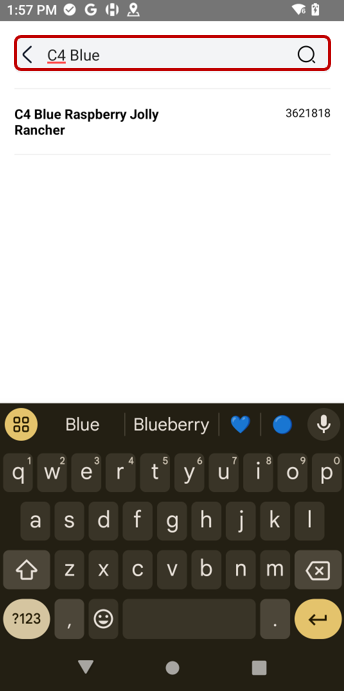
Use the search bar at the top of the screen to search for the name of the item you would like to assign the unrecognized barcode to
-
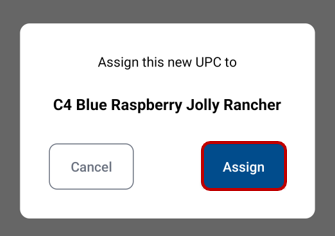
Click on the item you want to assign the barcode to, and click “Assign”
-
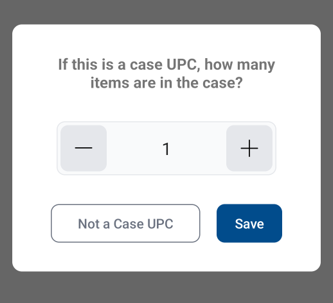
If the barcode scanned was a bulk UPC barcode, select the number of units per case, and then click “Save”. If the barcode scanned was an individual unit UPC barcode, click “Not a Case UPC”
-
Now that Vego Inventory knows what the unrecognized barcode is for, you can continue reconciling or importing a shipment as normal
Invalid Barcodes
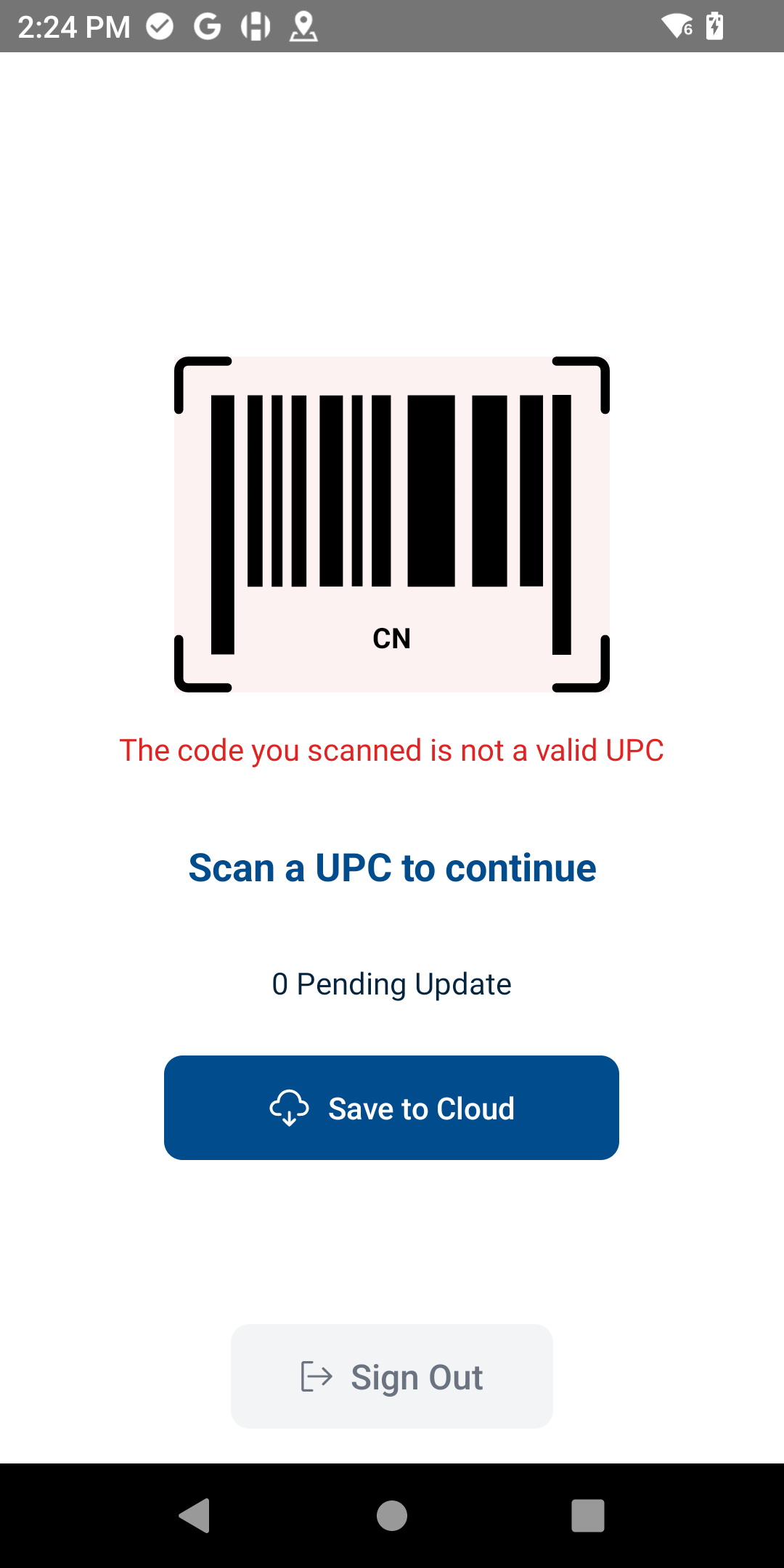
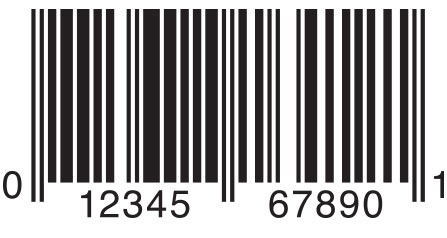
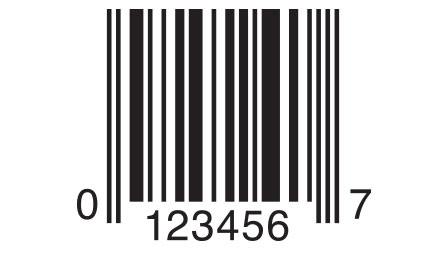
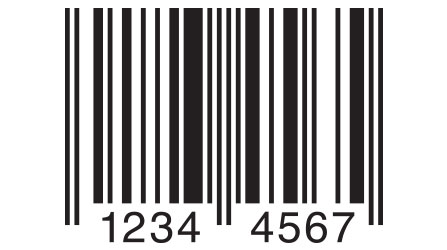
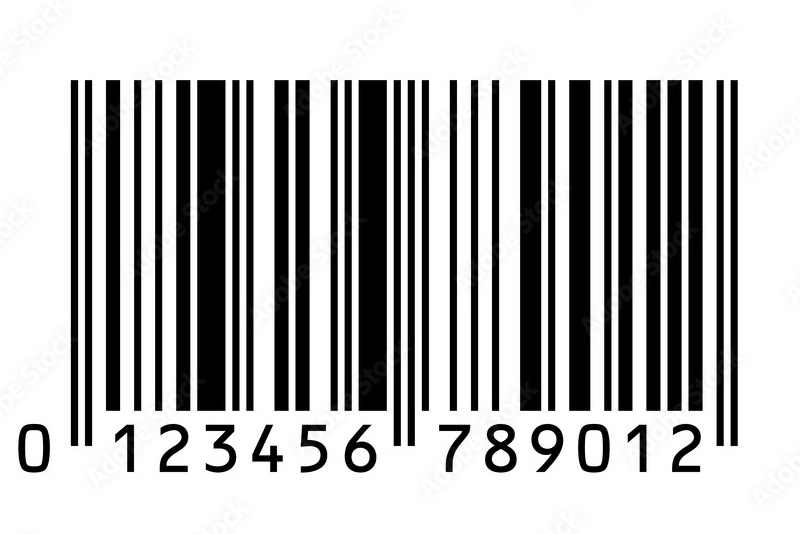
Barcodes in Vego Inventory must be in UPC-A, UPC-E, EAN-8, or EAN-13 format. Any barcodes scanned that are not in one of these formats will result in an error:
|
Format |
Example |
|---|---|
|
UPC-A |
|
|
UPC-E |
|
|
EAN-8 |
|
|
EAN-13 |
|